Understand the tech in your car, one light at a time
Clear explainers on lane assistance, adaptive cruise, blind spot monitoring, parking sensors, braking and cameras. What you see, what it does and where it stops helping.
Informational only. See our Terms of Use.


About NextTech Auto
Your car is talking. We help you understand it.
Modern vehicles ship with sensors most drivers never get a proper tour of. We write short, honest explainers so every chime and icon makes sense before you need it.

Features help. Limits matter more.
Every guide covers what you see, what it does and where it stops working. No sales pitch, no quotes, just the information you came for.
Explore auto information
Start with the features drivers ask about most.

Lane assistance, explained
How lane departure warning and lane keeping read the road, and when they quietly step back.

Blind spot monitoring basics
What the small mirror light means, how radar watches beside you, and why a shoulder check still matters.
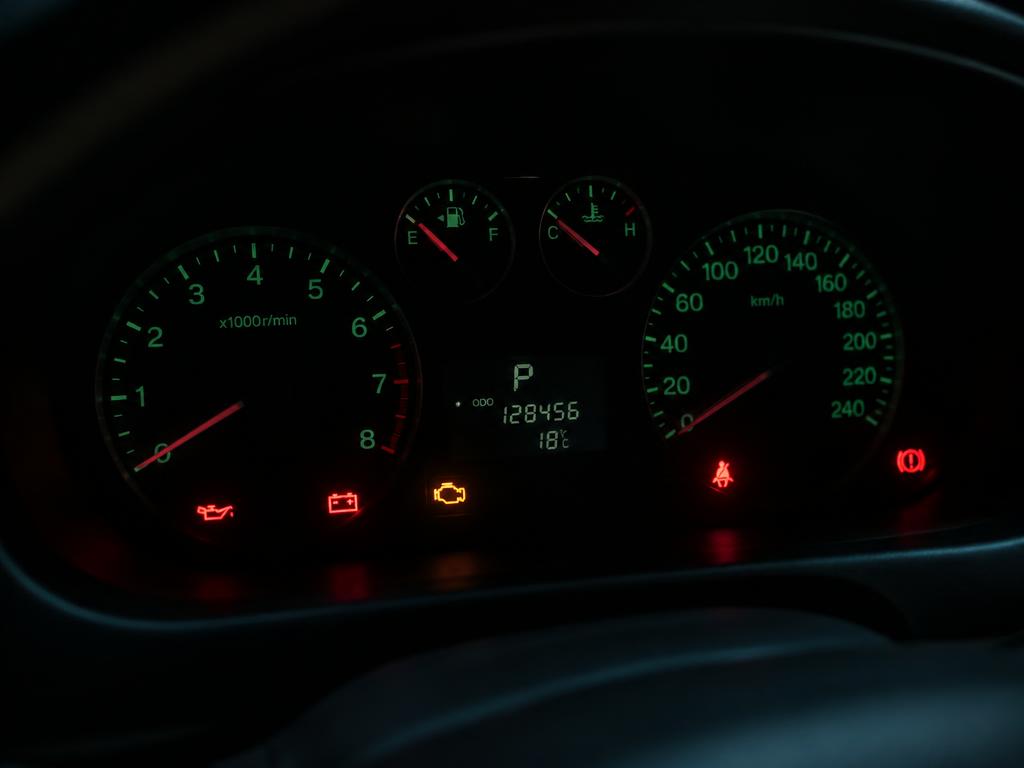
Reading dashboard indicators
Color tells urgency. A quick guide to red, amber and green lights and which ones need attention now.
Features, tools and resources
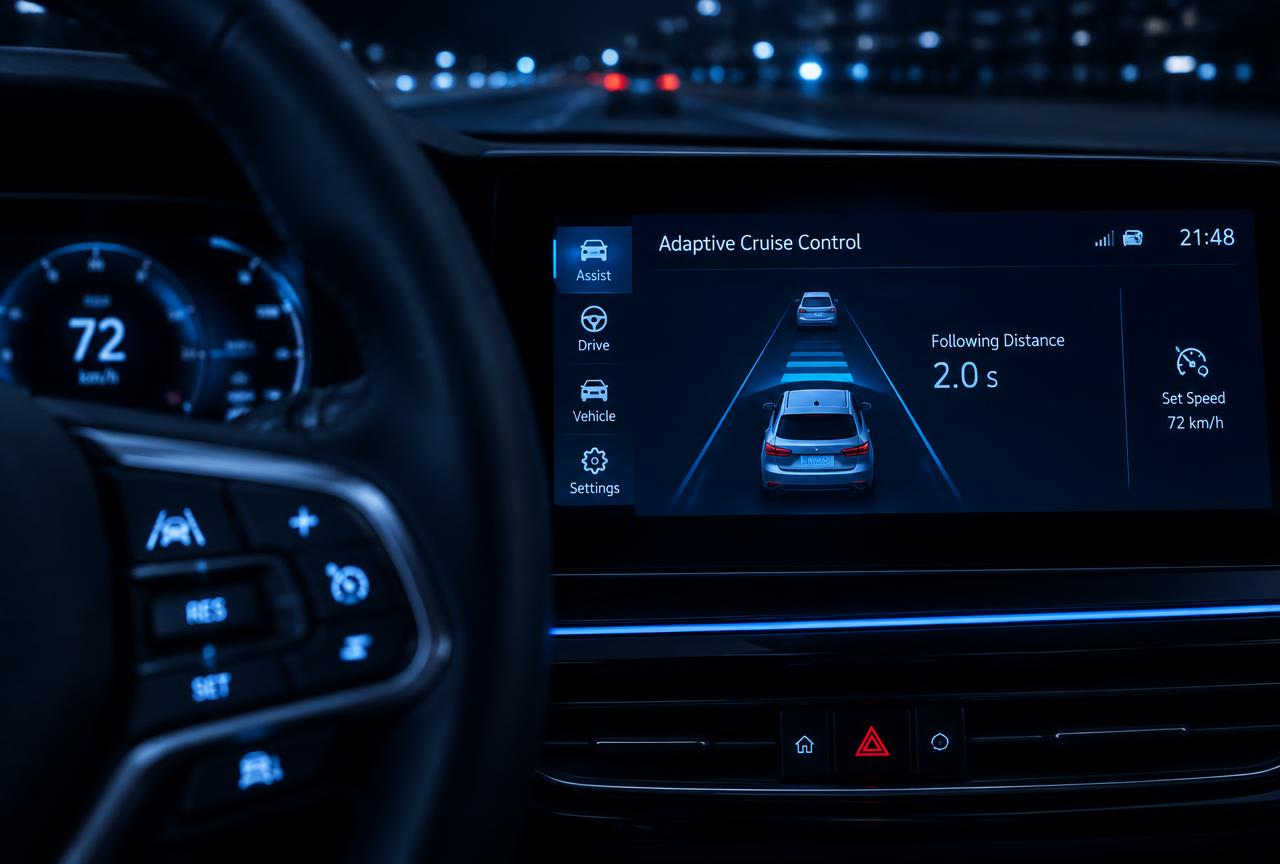
Adaptive cruise control
Set a speed and a gap. The car eases off and resumes as traffic changes ahead.
- Practice changing the gap setting.
- Know how to cancel with the brake or button.
- Watch for the icon that confirms a lead car is tracked.
How it works

Browse the guides
Read explainers and checklists any time. No account needed.

Choose optional texts
Pick account notifications, marketing tips, both or neither.

Set your preferences
Reply STOP to cancel or HELP for help, whenever you like.
Questions drivers ask
More in our SMS Terms of Service and Privacy Policy.
Tips that fit in a text
Optional texts with vehicle technology tips, safety reminders and new checklists, generally up to 4 a month. Account texts are separate. Reply STOP any time.
Get Vehicle Tech Tips